Best Git Diff Viewers of 2026,
ranked by how fast you can understand what changed
Ten downloadable git clients, one open scoring rubric, and a question none of them were designed to answer:
across everything you're responsible for, what actually happened this week?
~/work $# It's Monday. 40 commits landed across these five repos since Friday.
~/work $# Two teammates, one contractor, and a coding agent all shipped work.
~/work $# Somewhere in those 40 commits: one subsystem rewrite, one silent
~/work $# breaking change, and 31 commits of lockfiles, formatting, and churn.
~/work $# Your git client's answer: open each repo. Read every commit. Good luck.
commit 0a11f2e
— the problem with the picture every git client shows you
Every git client shows you the same picture
Open GitKraken, Fork, Tower, Sourcetree, SmartGit, or Sublime Merge for the first time and you will land on a
near-identical view: a vertical list of commits, newest at the top, with colored lines weaving between them to
show branch topology. GitHub Desktop and Lazygit drop the colored lines but keep the premise. It is a genuinely
good picture — for one repository, when every commit deserves equal attention.
Neither condition describes how software gets built in 2026. Work is spread across repositories: a service here,
a client there, infrastructure somewhere else. And commits stopped being remotely equal the moment coding agents
began producing them in volume — in GitClear's analysis of 973,321 commits across 64
open-source repositories this summer, only
2.5% of changed lines
survived filtering for whitespace, churn, moved code, and generated files as changes that carried durable meaning.
See the Lines of Code Breakdown.
So this ranking asks one question of every tool:
when real work is buried in real noise across several repositories, how fast does this tool get you to understanding?
We scored ten clients on an open, anchored rubric — and built the scoring machine into this page so you can
disagree with our weights and watch the ranking recompute.
commit 1b3d9c4
— the scoreboard, two lenses, no single number doing the lying
Diff Viewer 2026 scoreboard
Two scores per tool, because they answer different questions.
Comprehension
(70 pts) measures how fast you understand what changed: cross-repo visibility, impact weighting, diff
readability, noise filtering, and provenance.
Daily driver
(30 pts) measures whether you can live in the tool: staging, rebasing, conflict resolution, cost, platforms,
maturity. No tool wins both. That's the finding.
#
Tool
Comprehension
/70
Daily driver
/30
Total /100
1
Diff Digestby GitClear
70
10
80
2
GitKraken
34
26
60
3
Fork
27
29
56
4
Tower
27
26
53
5
SmartGit
27
25
52
6
Sublime Merge
26
25
51
7
Lazygit
16
29
45
8
Sourcetree
22
22
44
9
GitHub Desktop
12
24
36
10
GitButler
14
20
34
Scores are provisional pending hands-on verification with an identical sample repository loaded into all ten
tools. Full anchor definitions for every dimension appear in the methodology.
Rankings hide their assumptions inside their weights, so here are ours, exposed as controls. Care only about a
full-featured daily client? Push operations and maturity up and watch GitKraken and Fork overtake our own tool.
Manage twelve repos and three agents? You already know which sliders matter. The ranking below recomputes live
and normalizes to 100.
20%
15%
15%
10%
10%
15%
10%
5%
1 Diff Digest80
2 GitKraken60
3 Fork56
4 Tower53
5 SmartGit52
6 Sublime Merge51
7 Lazygit45
8 Sourcetree44
9 GitHub Desktop36
10 GitButler34
commit 3f7a2d9
— how we scored, and who is writing this
Methodology & disclosure
Disclosure:
This article is published by GitClear, and one of the ten tools ranked — Diff Digest — is ours. We handle the
conflict the only way that works: every dimension has published 0-to-5 anchors you can audit, our tool's weakest
scores (operations: 1/5, maturity: 1/5) sit in the main table rather than a footnote, and the weight console
above lets you rebuild the ranking without our assumptions. Under operations-heavy weights, our tool loses. We
shipped that slider anyway.
Each tool was evaluated on eight dimensions across two lenses. Every dimension uses an anchored 0–5 scale —
the anchors define exactly what earns each score, so disagreement can be specific. Comprehension dimensions:
cross-repo visibility
(20%), from "one repo per window" to "unified, org-scopeable change feed";
impact weighting
(15%), from "every commit an equal-height row" to "commits sized by a validated effort metric";
diff readability
(15%), from plain Myers output to recognition of higher-order operations like moved and find-replaced code;
noise filtering
(10%); and
authorship & provenance
(10%), from no blame view to per-line AI-vs-human attribution. Daily-driver dimensions:
working-tree & merge operations
(15%),
friction & availability
(10%), and
maturity & ecosystem
(5%).
Evaluation used each vendor's current documentation and hands-on testing with the same sample repository loaded
into each client — same branches, same commit window — so captured screenshots will show identical content
rendered through ten different paradigms. Prices and capabilities were checked as of August 2026; both change,
and we link primary sources so you can re-verify.
commit 4d9b6e2
— the whole market on two axes
Where every tool actually sits
Plot the two capabilities this ranking cares about most — how many repositories a view can span, and whether
the view knows which changes mattered — and the market collapses into one crowded corner. This is the chart the
per-tool reviews will keep returning to.
knows what mattered
comprehension depth →
Diff Digest
GitKraken
Fork · Tower · SmartGit
Sublime Merge
Lazygit
Sourcetree
GitHub Desktop
GitButler
one repo at a timecross-repo breadth →every repo, one view
Fig. 1 — Cross-repo breadth against comprehension depth: impact weighting, diff readability, noise filtering, and
provenance at their rubric weights. Every incumbent sits in the bottom half, and what separates them there is
diff-rendering polish, not impact — nine of the ten score a flat zero on impact weighting. GitKraken's Workspaces
earn it the only meaningful breadth among incumbents, and that is for status and pull requests, not for change.
commit 5e2c7f8
— why "lines changed" lies to you
97.5% of changed lines are noise
The case for impact weighting in one graphic. Across 973,321 commits analyzed from 64 open-source repositories
between May and August 2026, here is what remained after each filtering pass. Every tool that presents raw
changed lines — which is all of them except one — presents the top bar as if it were the bottom bar.
83,539,908 changed lines100%
after whitespace & formatting filter~58%
after moved-code detection~31%
after find/replace & generated-file filters~13%
2,071,214 impactful lines remain2.5%
Fig. 2 — The noise funnel. Endpoint figures (83.5M changed lines in, 2.07M impactful lines out, 2.5%) are from
GitClear's published Lines of Code Breakdown analysis, May 3 – Aug 2, 2026.
Intermediate stage percentages are illustrative of filter ordering.
commit 6a8d3b5
— eight tools, one paradigm
Forty commits, two answers
Load the same repository, same branches, same commit window into GitKraken, Fork, Tower, Sourcetree, SmartGit,
Sublime Merge, GitHub Desktop, or Lazygit and you land on the same answer: a chronological column of
equal-height rows in one repo. Seven of those default views are below. The numeric version of the finding
follows — forty commits as every incumbent shows them, versus the same window sized by impact.
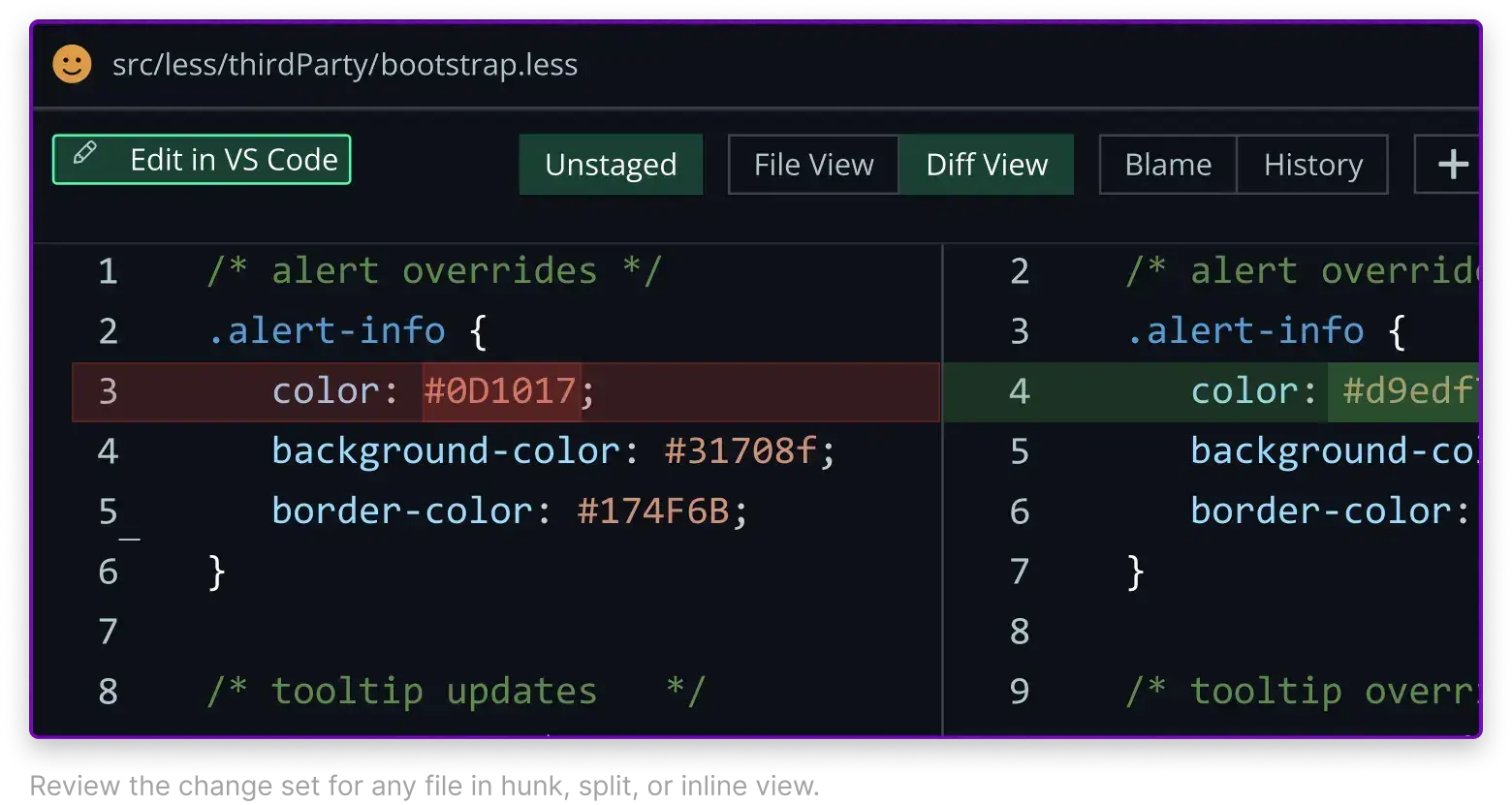
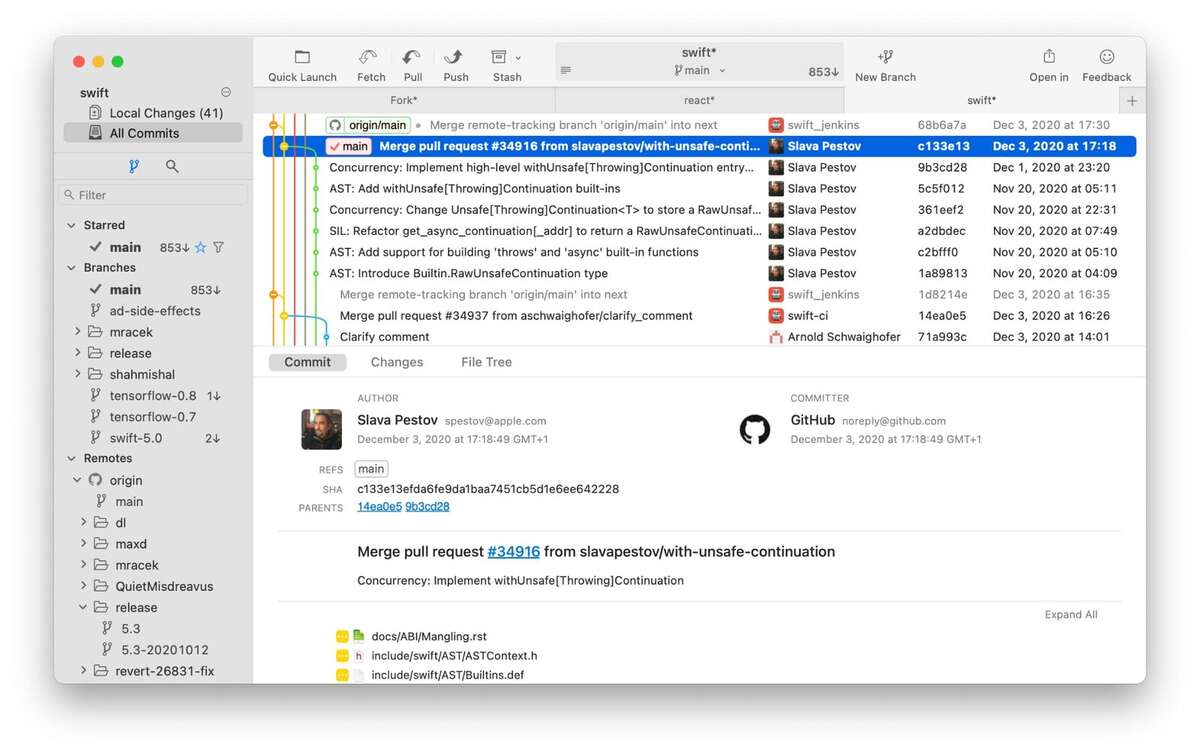
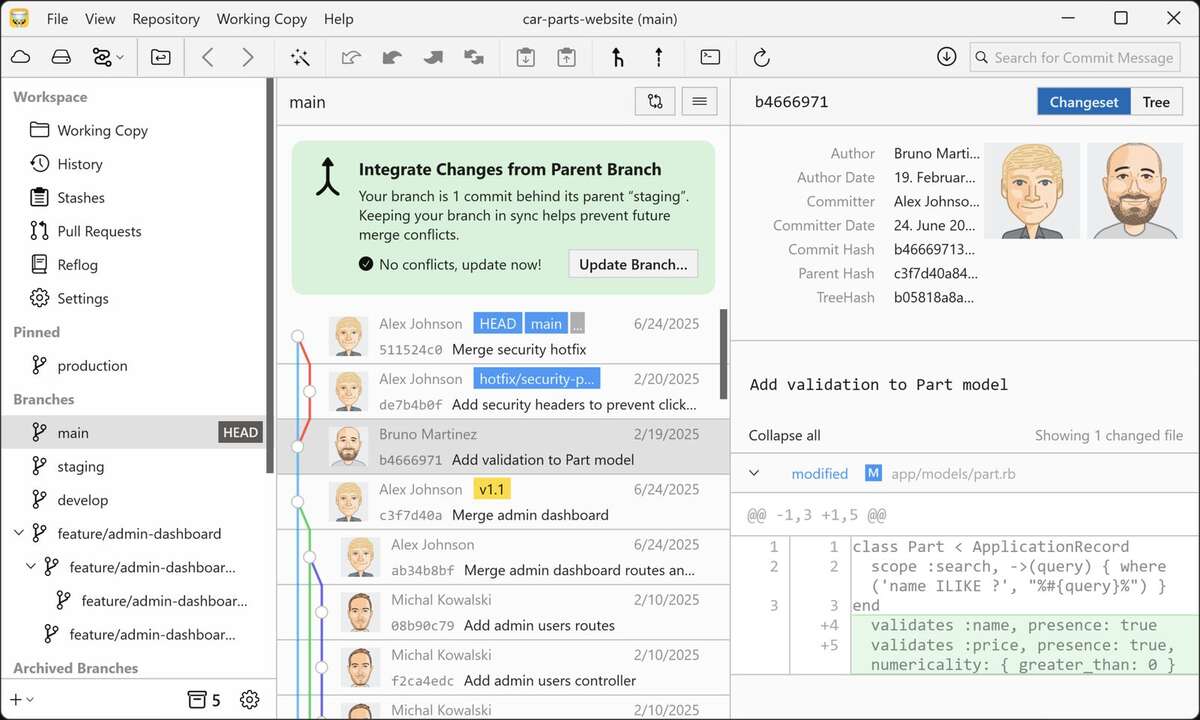
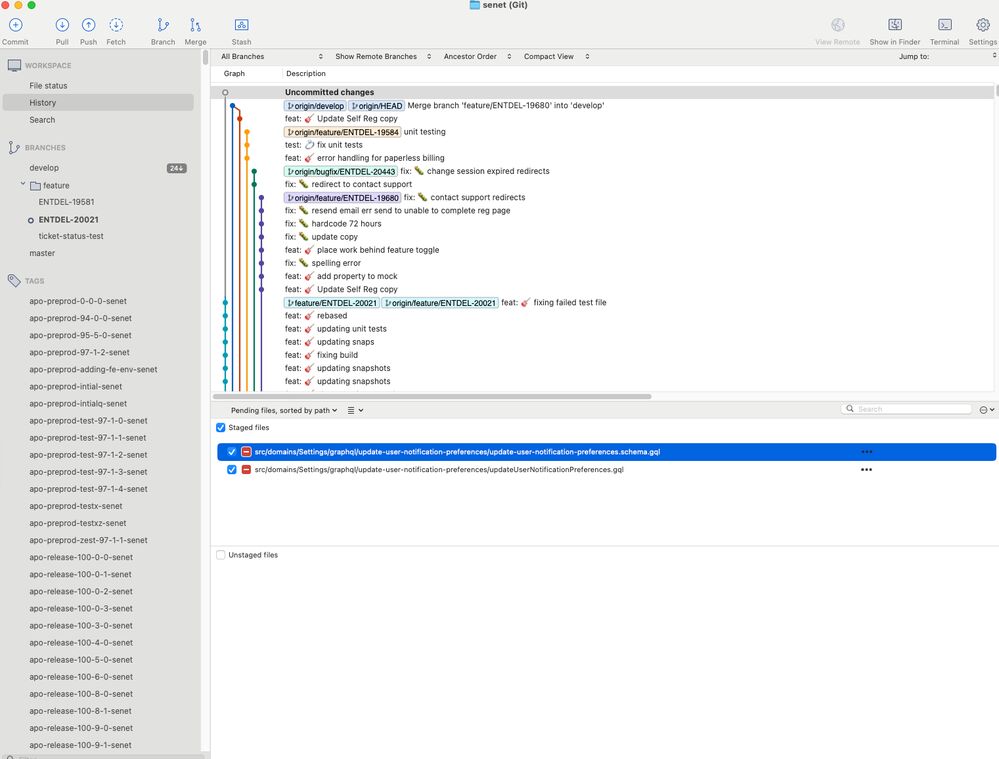
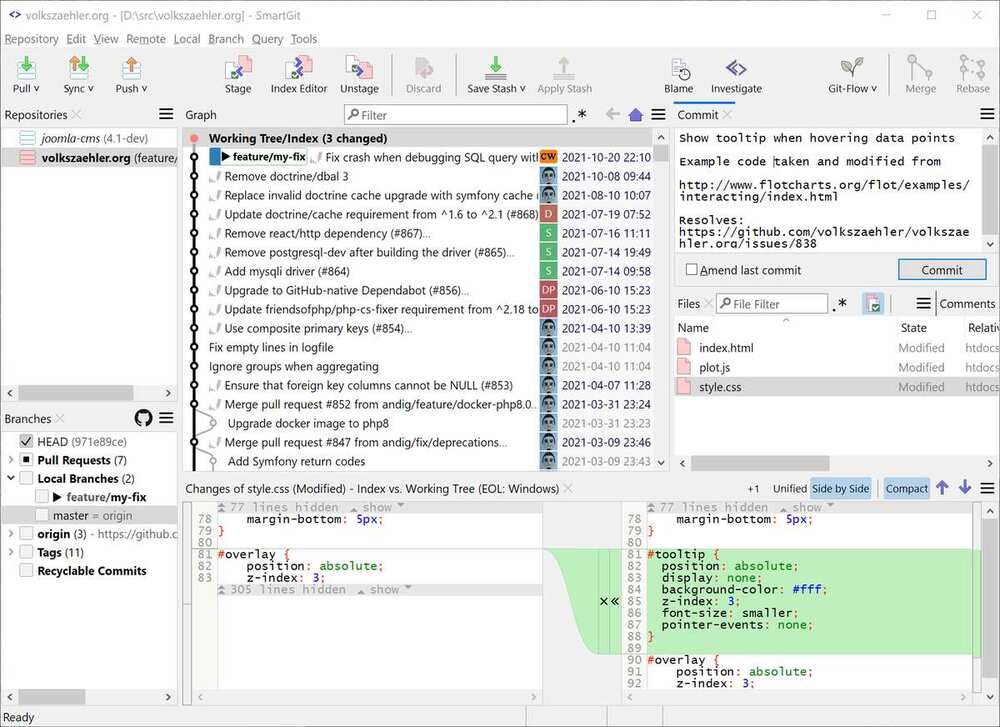
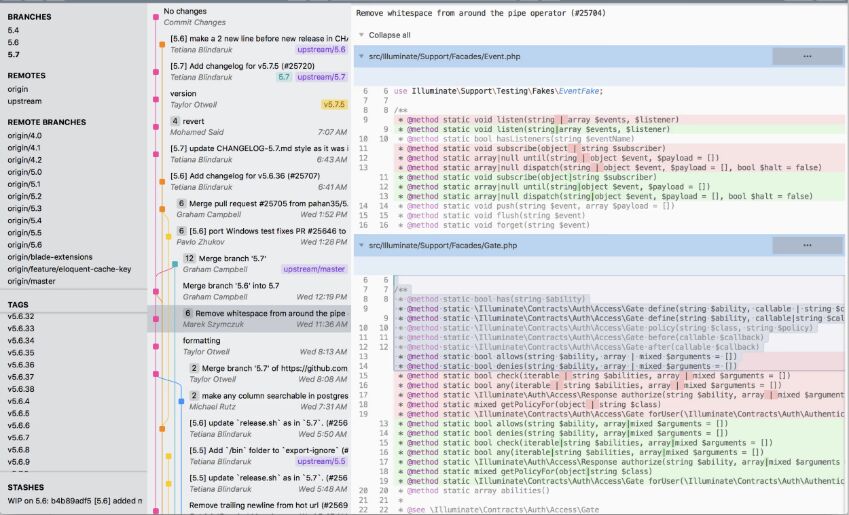
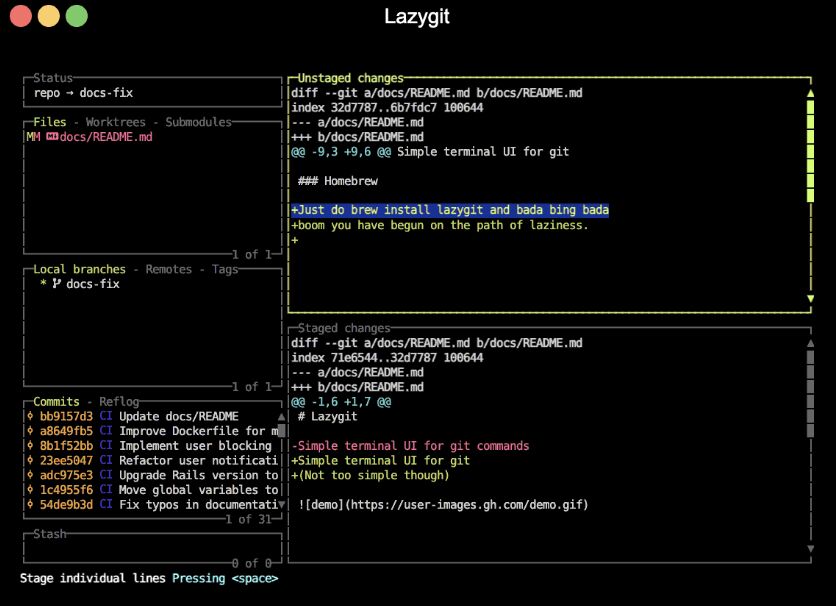
GitKraken — Commit Graph, one repo, equal-height rows, colored topology.Fork — the same picture, native and fast. Other repos live in tabs, never in the same view.Tower — History can merge branches into one timeline, then stops at the repository wall.Sourcetree — the free GUI's version of the same colored-lines log.SmartGit — a thorough Log graph. The vendor has declined a combined multi-repo log.Sublime Merge — three columns, topology lines, one repository, full stop.Lazygit — the same chronological column, in a five-panel terminal.
Every git client: chronological, equal-weight, per-repo
Which two rewrote a subsystem? Read all 40 to find out.
Fig. 3 — The same 40 commits across five repositories. Left: every incumbent's default, one equal-height row per
commit. Right: the same window sized by Diff Delta, with low-impact commits collapsed.
commit 7c4f1a9
— ten reviews, in order of what they're for
Diff viewer reviews
Ordered by total score. Every review answers the same three questions: what does the default view show you,
what is this tool genuinely the best at, and where does it stop when you ask what mattered across everything
you own. Diff-style notation throughout:
+
is what the tool adds to your understanding,
−
is what it leaves you to do yourself.
1 · Diff Digest
unprecedented: multi-repo + impactby GitClear (yes, us — see disclosure)
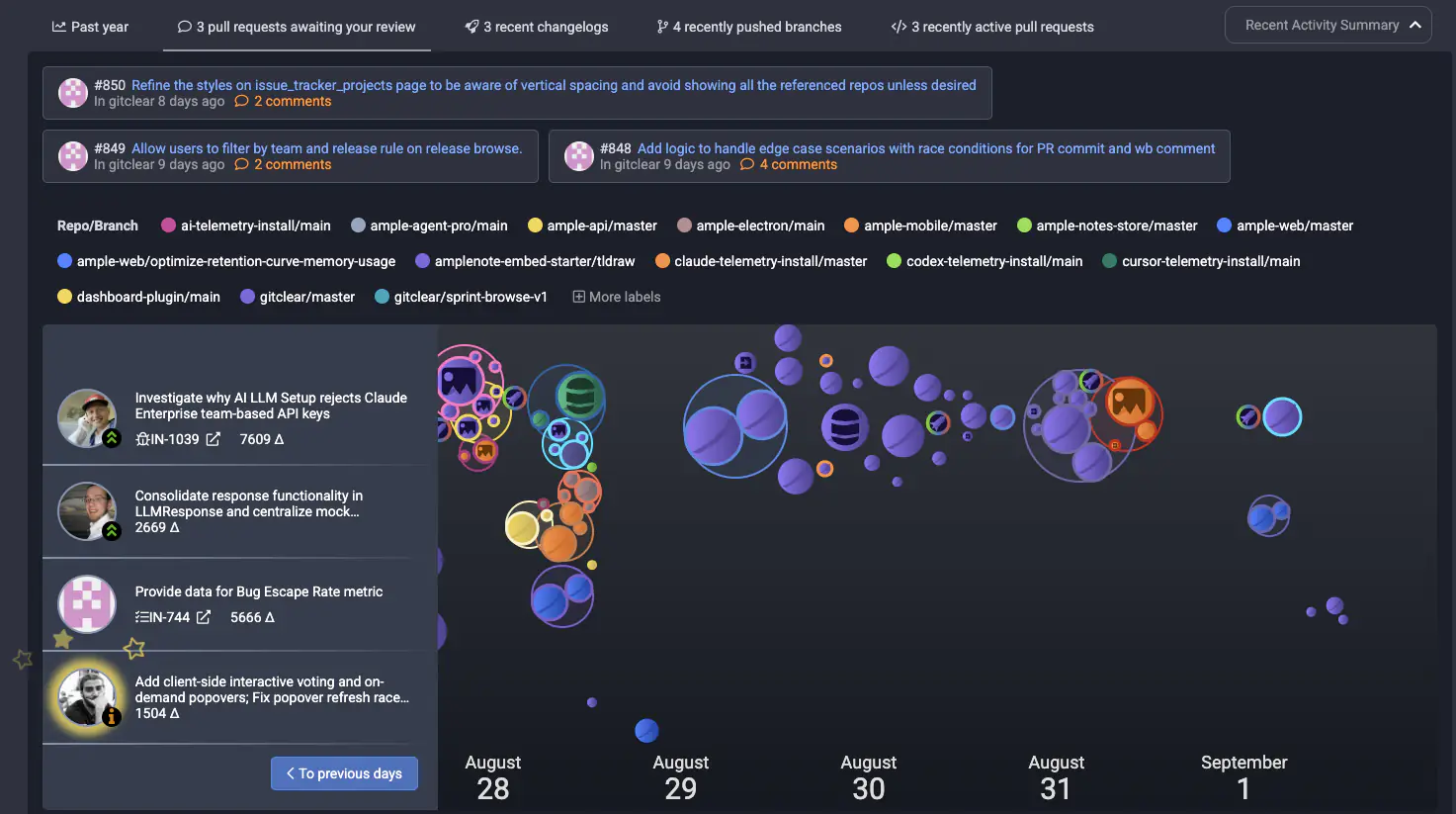
Diff Digest starts from the other end of the problem. Instead of "here is one repository's history," its
landing view is a feed of change across
every
repository and organization you point it at — with each commit sized by Diff Delta, an effort metric that
discounts whitespace, churn, moved code, and generated files, and that explained 120% more variance than
lines-of-code in a story-point correlation study across
2,729 issues. The subsystem rewrite is physically larger on screen than the lockfile bump. The Monday-morning
scenario at the top of this page takes one glance.
Two features have no equivalent anywhere else in this ranking. The blame view confines per-line age coloring
to a narrow gutter column — current age, original age, change count — so the code body stays legible while
history stays visible, with clickable function names for drill-down. And the diff view labels each line's
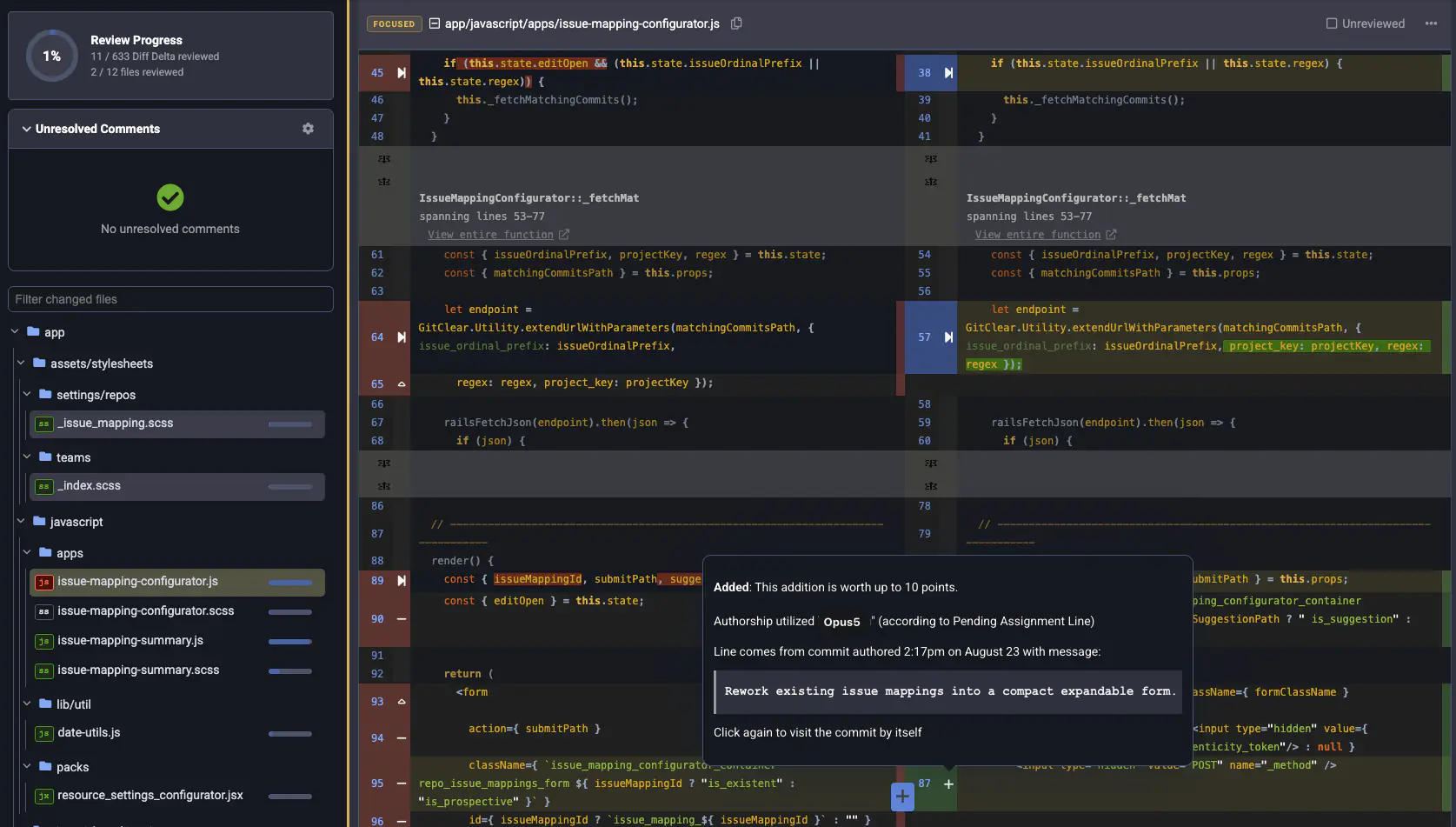
authorship down to the model: human, or AI-generated and by what ("Opus 5.0"), with a per-file AI-generation
percentage. If you supervise agents, this is the feature you didn't know to ask for.
The landing view: five repos and forty commits as one feed, every commit sized by Diff Delta so the rewrite dwarfs the lockfile bump.Per-line authorship down to the model — "Opus5" — beside review progress measured in Diff Delta, not files.
The only unified cross-repo change feed in the category, scopeable by org and team
The only impact-weighted view: commits sized by validated effort, not row count
Six-operation Rich Diff (added/deleted/updated/moved/find-replaced/copy-pasted) —
~30% less code to review in GitClear's PR studies
Per-line AI-vs-human attribution with model naming; age-gutter blame
Not a git client: no staging, rebasing, or conflict resolution — keep your daily driver
macOS only at launch (Linux and Windows planned); new product, small ecosystem
Pricing: free to download and use, capped at 10 repositories. Pro is $5/month, or $99 once for a lifetime
license with two years of updates.
Download Diff Digest
The strongest all-round git client you can download, and the only incumbent that has seriously attempted the
multi-repo problem. Its signature Commit Graph is the genre's most polished specimen, and its full-suite
operations — interactive rebase, hunk staging, first-class conflict tooling — earn a 5/5 that our own tool
doesn't approach. If this ranking measured "best git client," GitKraken wins it.
Workspaces is the feature to understand precisely, because it is both the best incumbent answer and the
clearest illustration of the gap. A Workspace aggregates many repositories into one dashboard: branch states,
ahead/behind counts, open pull requests, bulk fetch/pull. What it never shows is a unified feed of
change
— to learn what actually happened in a repo, you still open that repo's graph and read it, commit by
equal-height commit. The closest thing to an impact signal anywhere in the product is a PR "complexity" chip
counting raw lines, files, and commits.
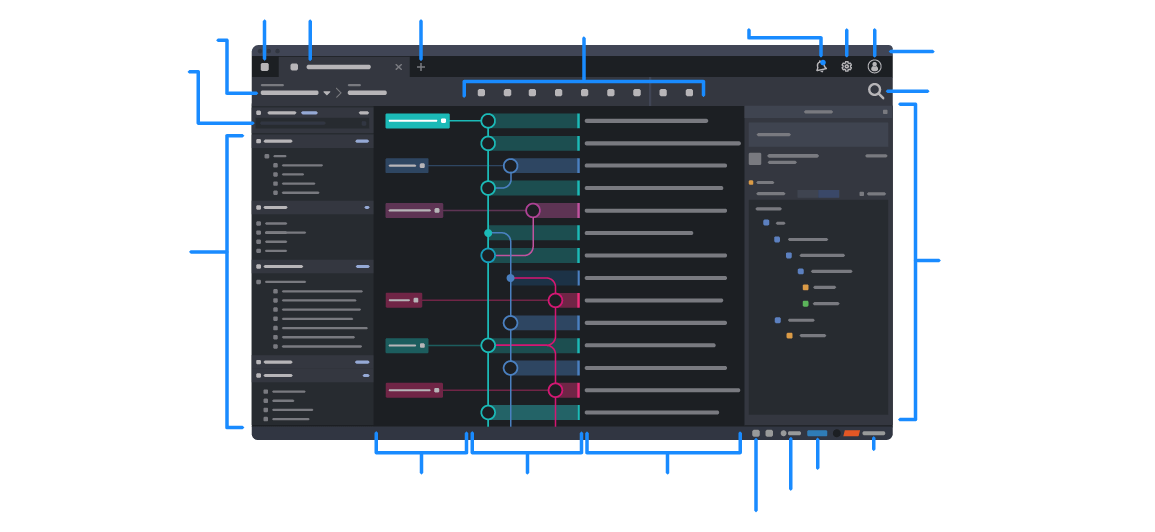
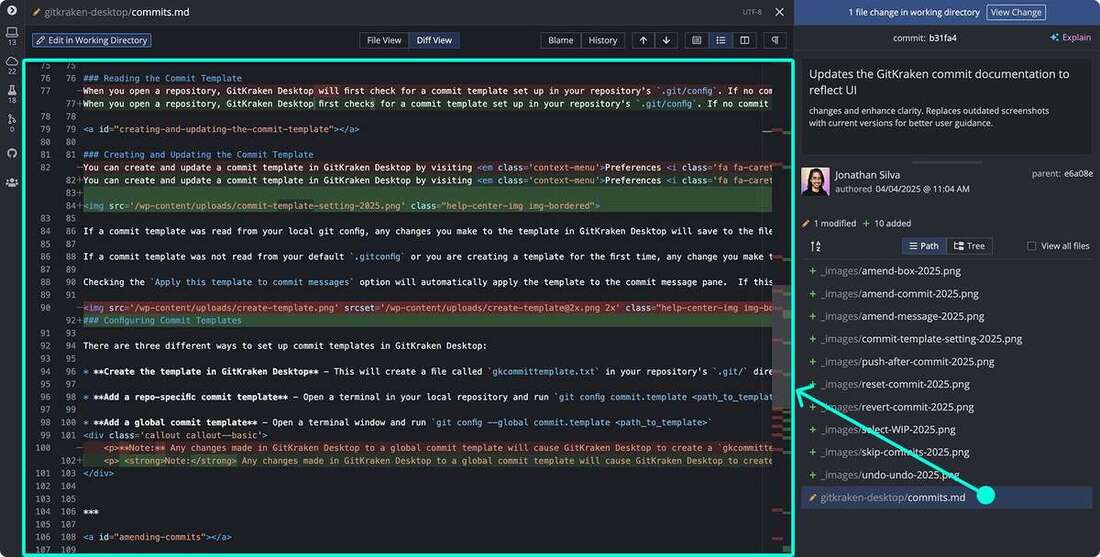
The anatomy of GitKraken's default window. Workspaces — the multi-repo attempt — live on another tab.GitKraken's full-screen diff: word-level highlighting, one file, one repo, no impact signal.
Best-in-class operations suite; deepest hosting-service integrations; a decade of hardening
Workspaces: real multi-repo status, PR aggregation, and bulk actions
Workspaces aggregates status and PRs — never a cross-repo change feed
No impact weighting anywhere; complexity chips count raw lines at PR level only
Subscription-only for the features above; Electron heft; account required for Workspaces
If your world is one repository at a time, Fork is the graph to live in: native, fast on histories that make
Electron apps wheeze, with genuinely clever touches like collapsible merge commits, and a full operations
suite behind a cheap one-time license. Its Repository Manager organizes any number of repos into groups —
but organizing is not synthesizing. Tabs answer "how do I get to repo B?"; they have no answer for "what
happened across A through E?" Every commit remains an equal-height row, so Fork's speed accelerates your
reading without shortening what must be read.
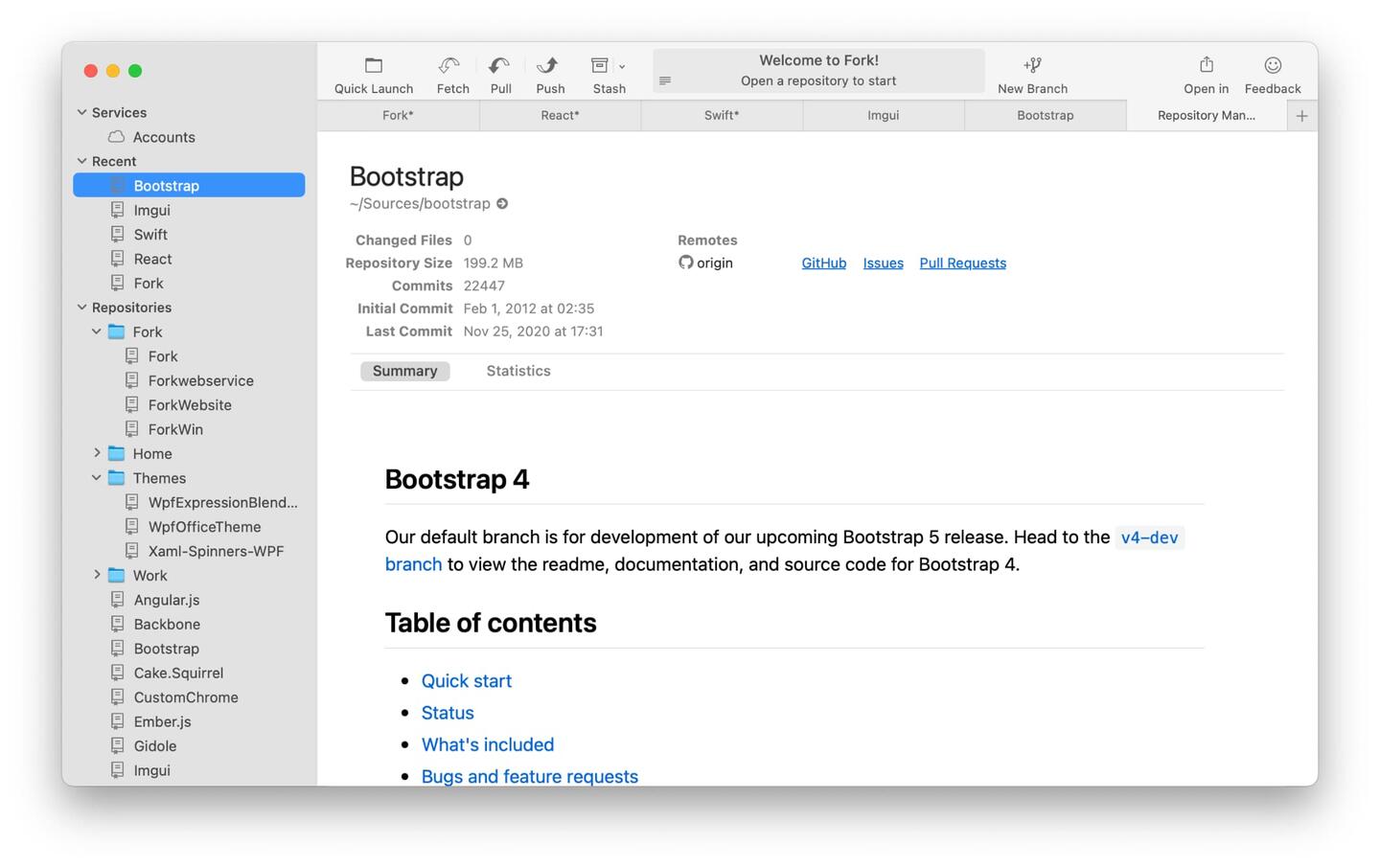
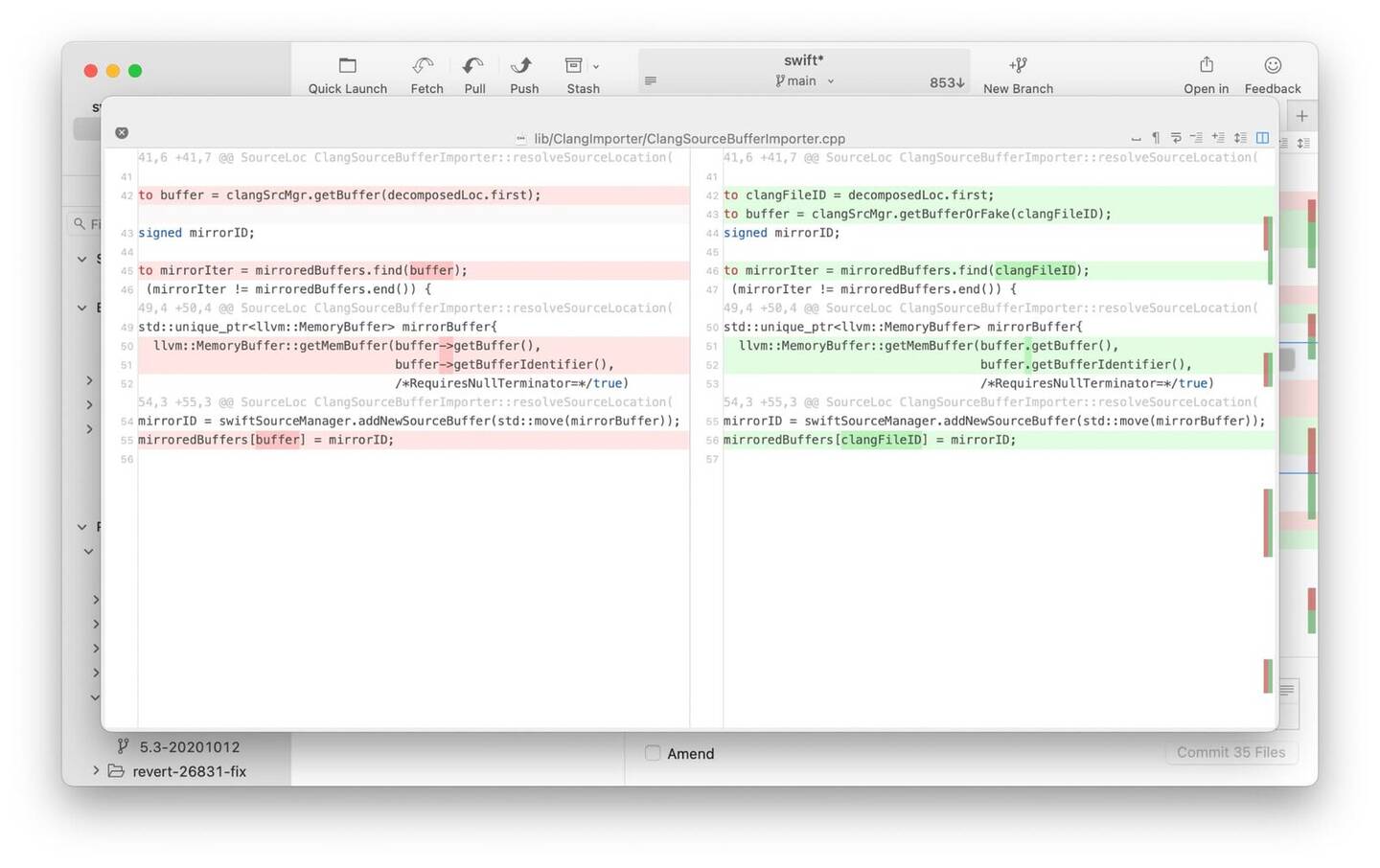
Fork's Repository Manager groups repos you can open. Organizing is not synthesizing.Fork's side-by-side diff with character-level highlighting — still Myers add and delete.
Fastest, most fluid commit graph in the category; collapsible merges
Full operations, one-time pricing, light footprint — the value pick
Repo Manager groups repos; views never combine across them
No impact signal, no noise filtering beyond whitespace toggles
Tower is what a git client feels like when a team polishes one product for fifteen years: drag-and-drop
everything, undo for operations that terrify people in terminals, and a History view that can merge multiple
branches
into one timeline. That last feature is telling — Tower understood that combined timelines answer questions
single timelines can't, then stopped at the repository boundary. Its Repositories view bookmarks and folders
your repos; it never aggregates their activity. Subscription-only pricing rounds out a superb single-repo
client that leaves the cross-repo question entirely to you.
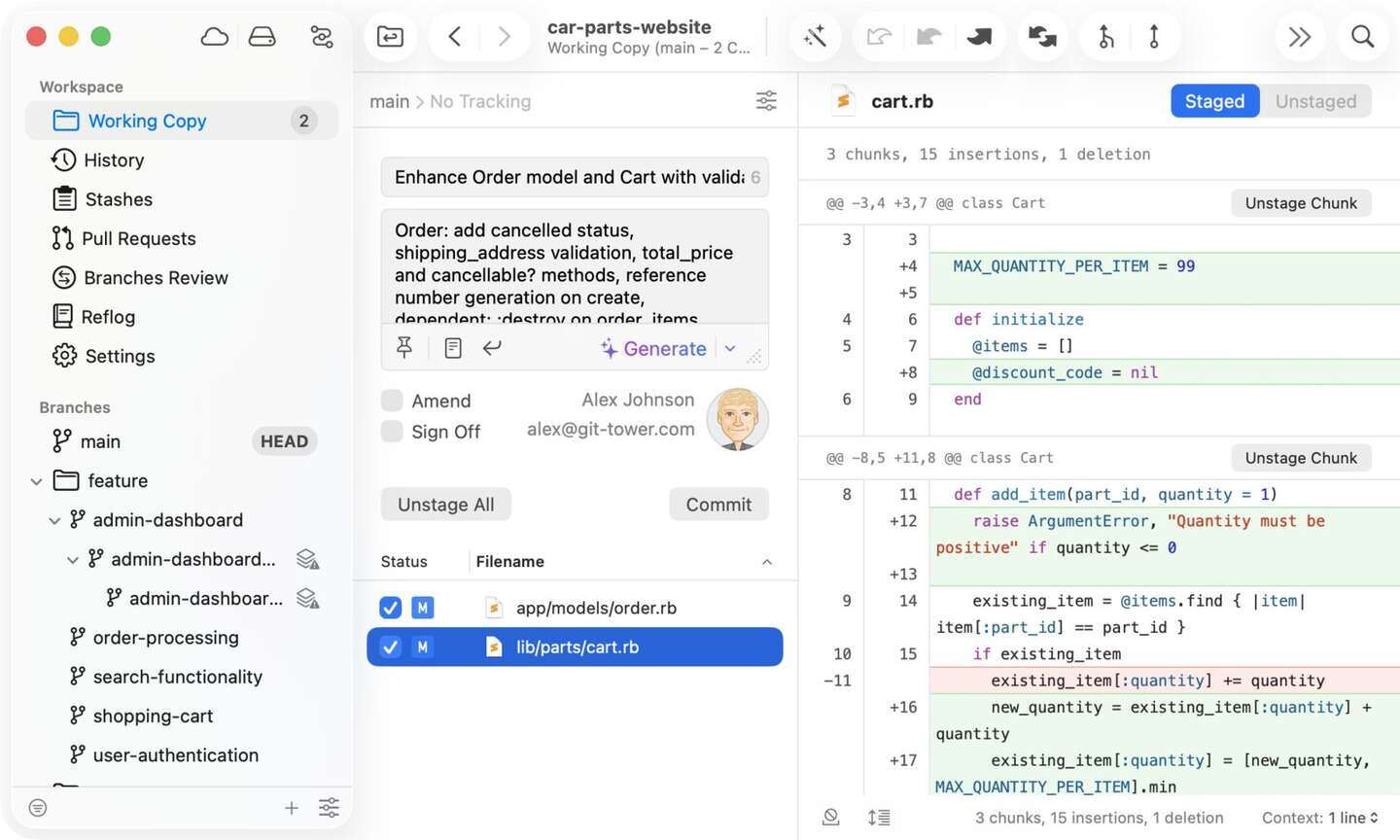
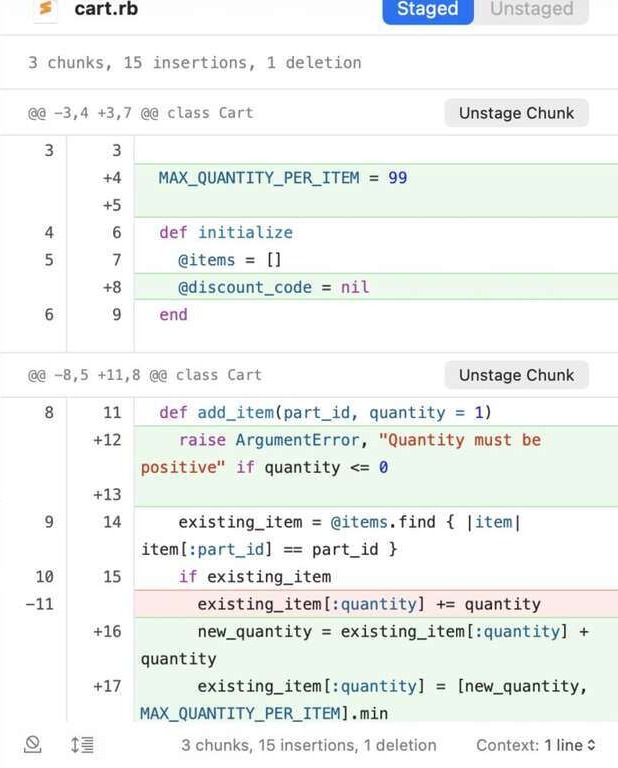
Working Copy with hunk staging and an AI commit-message button — superb, and still one repo.Tower's diff pane, cropped to the change. Chunk staging is the product; impact is not.
The most refined operations UX in the category; famous undo
Multi-branch combined history within one repo
Repository boundary is a hard wall; bookmarks only
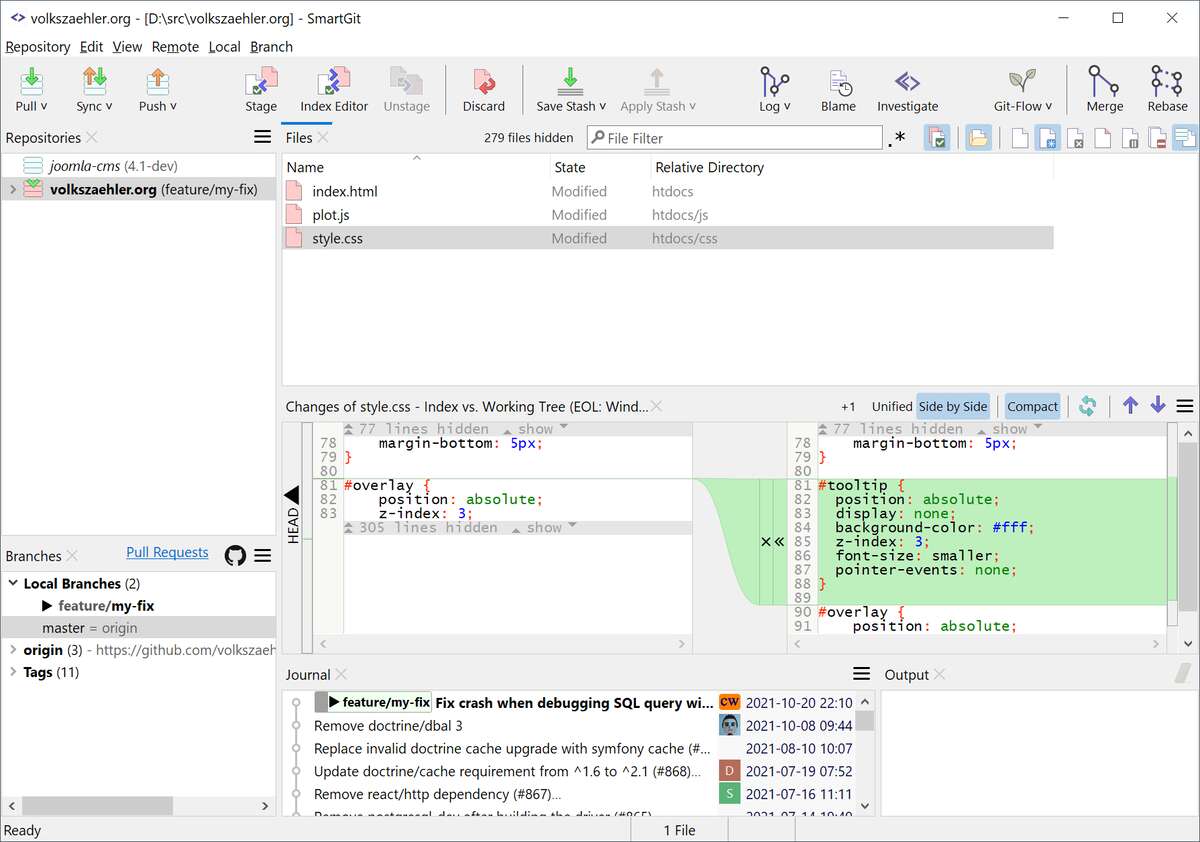
SmartGit exposes more of git's surface area than anything else with a GUI, and its Log window's graph view is
thorough and precise. It also provides this article's most honest data point: asked for multi-repository log
support, the vendor has explicitly declined, noting that populating a combined log across repos is too
expensive to compute. That is not a criticism of SmartGit — it is the single-repo paradigm stating its own
ceiling out loud. Within the ceiling: excellent. The Log living in a separate window from the working tree
remains a long-standing UX gripe.
Side-by-side Index vs Working Tree. The Log that belongs with this view is a separate window.
Most complete git feature coverage; strong graph view
Multi-repo log explicitly ruled out by the vendor — the paradigm's self-admission
Split-window UX; dated feel; no impact signal
6 · Sublime Merge
best keyboard-driven client · sharpest diffs among incumbents
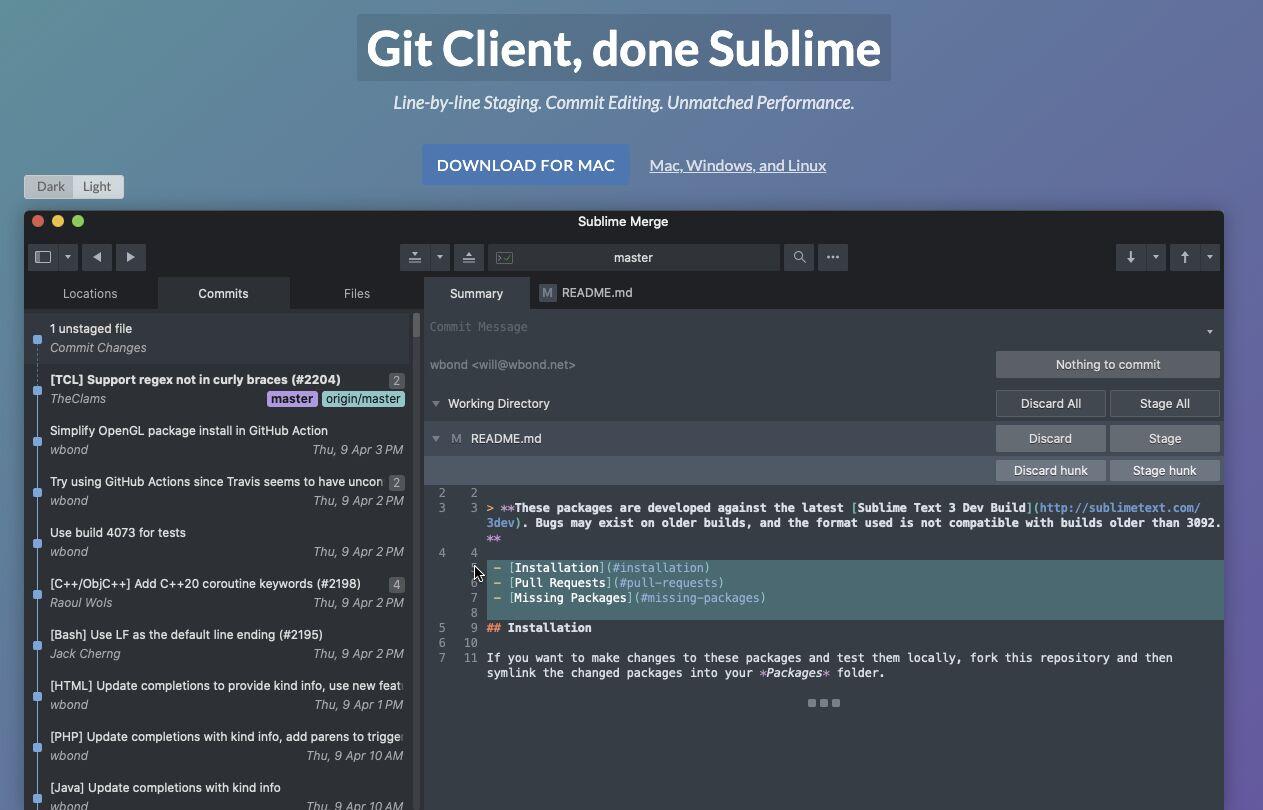
The Sublime Text lineage shows: instant startup, a command palette that makes mice optional, and the most
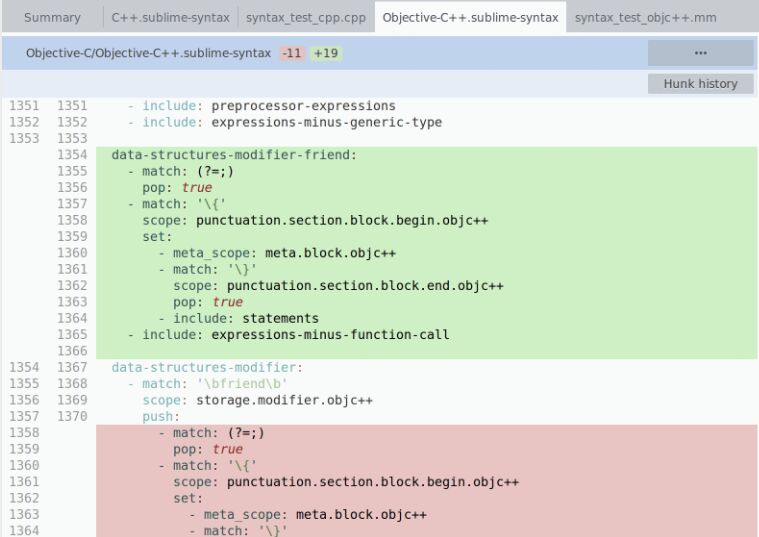
precise sub-line diff rendering of any incumbent — the only tool here to score 4/5 on readability without
recognizing higher-order operations. It is also the strictest single-repo tool in the ranking: one repository
per window, full stop. Sublime Merge answers "what changed in this file?" better than anyone. It simply never
asks a larger question.
The Sublime pitch in one frame: hunk staging, commit editing, instant startup.Hunk history and sub-line precision — the sharpest incumbent diffs, moves still delete-plus-add.
Best sub-line diff precision among incumbents; blazing speed; one-time license
Strictest single-repo scope in the ranking
No impact signal; moved code still renders as delete-plus-add
An astonishing amount of git in a terminal: interactive rebase, hunk staging, and branch surgery at speeds
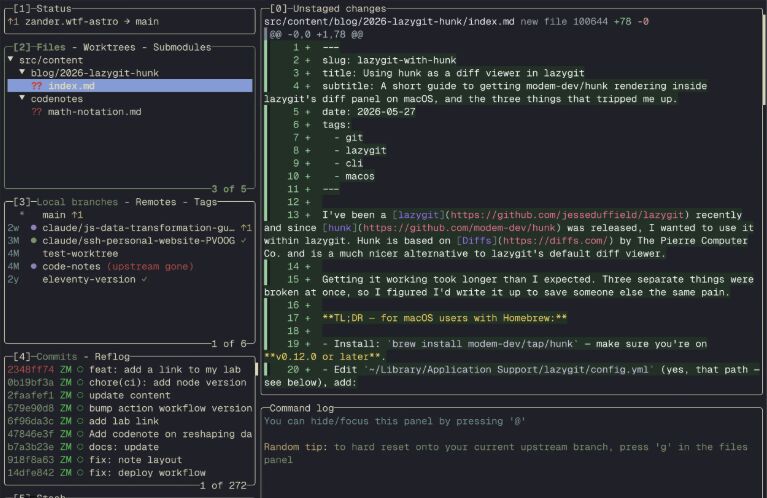
GUI users don't believe until they watch. Free, instant, beloved. Its five-panel layout keeps the commits
panel one keystroke away, with an optional author-colored graph. But the terminal's constraints are the
paradigm's constraints squared — one repo per instance, commits as text rows, impact invisible. Lazygit is
the best possible interface to the question this article argues is the wrong one.
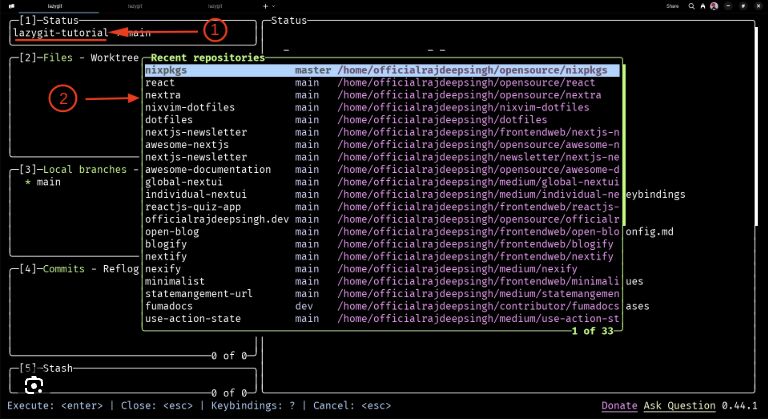
Unstaged versus staged in one terminal. Full operations, one repository per instance.Recent-repos switcher: how Lazygit moves between repositories. Still one repo on screen.
Full operations suite, free, instant; keyboard velocity unmatched
One repo per instance; text rows only; no impact or noise concepts
Atlassian's free client introduced a generation of developers to the colored-lines log view, and it remains a
competent, zero-cost way to get a full GUI with solid operations. In 2026 it is competent everywhere and
leading nowhere: the interface has aged, performance on large repositories draws consistent complaints, and
its tabs-and-bookmarks model offers the standard non-answer to the multi-repo question. Fine as a default;
hard to recommend over Fork for anyone willing to pay once.
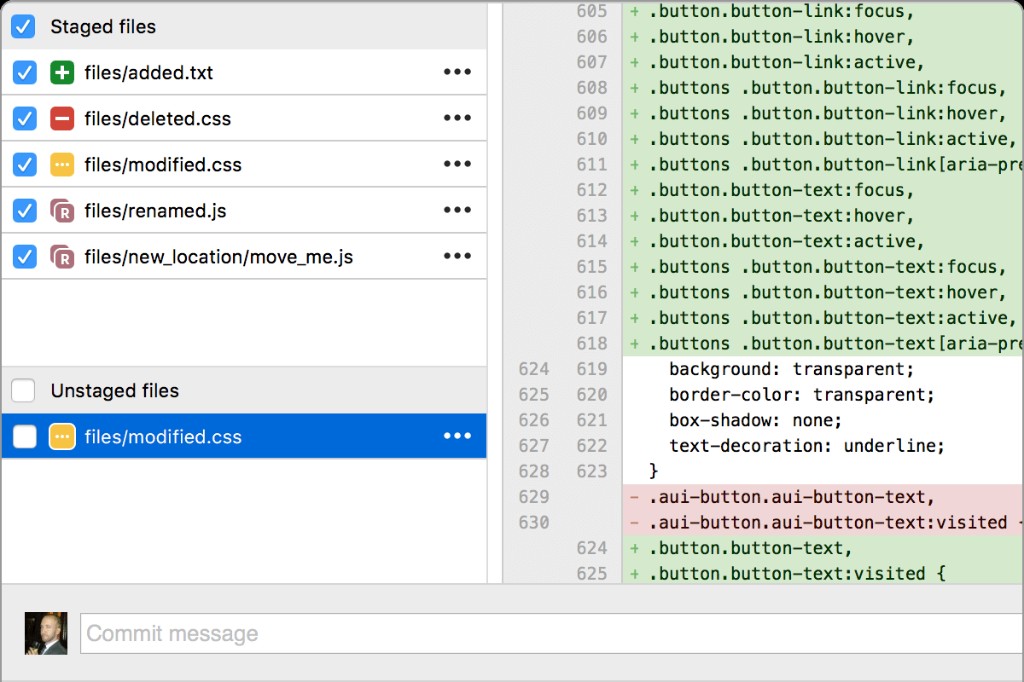
File status, not history: stage and commit beside a unified diff. Still one repo, still no signal for which change mattered.
Free, full-featured GUI; familiar to a huge installed base
Sluggish on large repos; dated UX; no cross-repo view, no impact signal
The gentlest on-ramp git has ever had: free, every platform, and an interface that makes the first commit
unfrightening. It is also the most minimal comprehension tool in this ranking — a flat History list with no
graph lines, no blame view at all, and exactly one repository visible at a time via dropdown. Multi-repo and
multi-account support sit among its oldest open feature requests. For learning git, start here; for
understanding a week of work, it offers the least of any tool reviewed.
Free, all platforms, gentlest onboarding in the category
No blame view; flat history without topology; strict one-repo-at-a-time
Multi-repo among its oldest open requests (issues #22549, #12290, #3606)
Last by score, and treated here with respect, because GitButler is the only other tool in this ranking that
looked at the commit graph and decided the paradigm itself was the problem. Its virtual branches show
work-in-progress as parallel lanes you drag changes between — a genuinely novel answer to "how do I organize
what I'm doing right now?" It attacks the opposite end of the timeline from us: GitButler rethinks
composing
change, Diff Digest rethinks
comprehending
it. Both bets say the colored-lines log view is not the end of history. Young product, single working
directory, no impact concept — but watch it.
Virtual-branch lanes: the most original WIP model in years
The other paradigm-breaker — validation that the default view is not sacred
Single project scope; new and still maturing; no comprehension features beyond the lanes
commit 8e6b4c7
— the verdicts: pair, don't replace
Which should you actually use?
The two-lens scoreboard points at an answer no single tool provides: for most working developers, the right
setup in 2026 is a
pair.
Keep the daily driver that fits your hands — and add a comprehension layer for the synthesis work your client
was never designed to do.
If you
live in one repo
Fork (paid, fast) or Lazygit (free, terminal). You'll feel the missing comprehension layer only when the repo count grows — and it grows.
If you
want one client for everything
GitKraken. Best operations, best incumbent multi-repo status, deepest integrations. Accept that "what changed across repos" stays a manual read.
If you
review a team's work across repos
Diff Digest alongside your current client. The impact-sized cross-repo feed is the Monday-morning answer; your client keeps doing the git work.
If you
supervise AI agents
Diff Digest — per-line model attribution and AI-generation percentages exist nowhere else. Pair with Lazygit or Fork for interventions.
If you
are learning git
GitHub Desktop, then graduate to Fork or Lazygit when the training wheels chafe.
If you
are on Windows or Linux, need cross-repo now
GitKraken Workspaces is the least-bad option until Diff Digest ships beyond macOS. Status and PRs across repos beats nothing.
commit 9f1d5e3
— questions people actually search
FAQ
Does GitHub Desktop support multiple repositories in one view?
No. GitHub Desktop displays one repository at a time, switched via a dropdown. Multi-repository and multi-account support are among its longest-open feature requests. GitHub's web "repository dashboard" preview helps you find repos, but is not a cross-repo change feed.
What git client shows activity across all my repos?
Two tools attempt it. GitKraken Workspaces aggregates branch status and open pull requests across repositories, with bulk fetch/pull. Diff Digest (ours) shows a unified feed of the changes themselves across repos and orgs, sized by impact. No other downloadable client combines views across repositories.
Which diff viewers detect moved code?
Among ranked tools, only Diff Digest's Rich Diff classifies moves (plus find/replace and copy/paste) as distinct operations rather than delete-plus-add. Standalone file-comparison tools like Beyond Compare operate on files, not commit history.
Can any git GUI show which lines were written by AI?
As of October 2026, Diff Digest is the only tool in this ranking with per-line AI-vs-human attribution, including the generating model's name and a per-file AI-generation percentage. No incumbent client distinguishes agent-authored from human-authored lines.
Is this ranking biased? GitClear wrote it and won it.
We built one of the ten tools, disclosed it up top, published every scoring anchor, printed our tool's worst scores (1/5 operations, 1/5 maturity) in the main table, and shipped a weight console that lets you rebuild the ranking without our assumptions — under which our tool loses to GitKraken and Fork whenever operations outweigh comprehension. That's as unbiased as a participant can be; the rest is your slider.